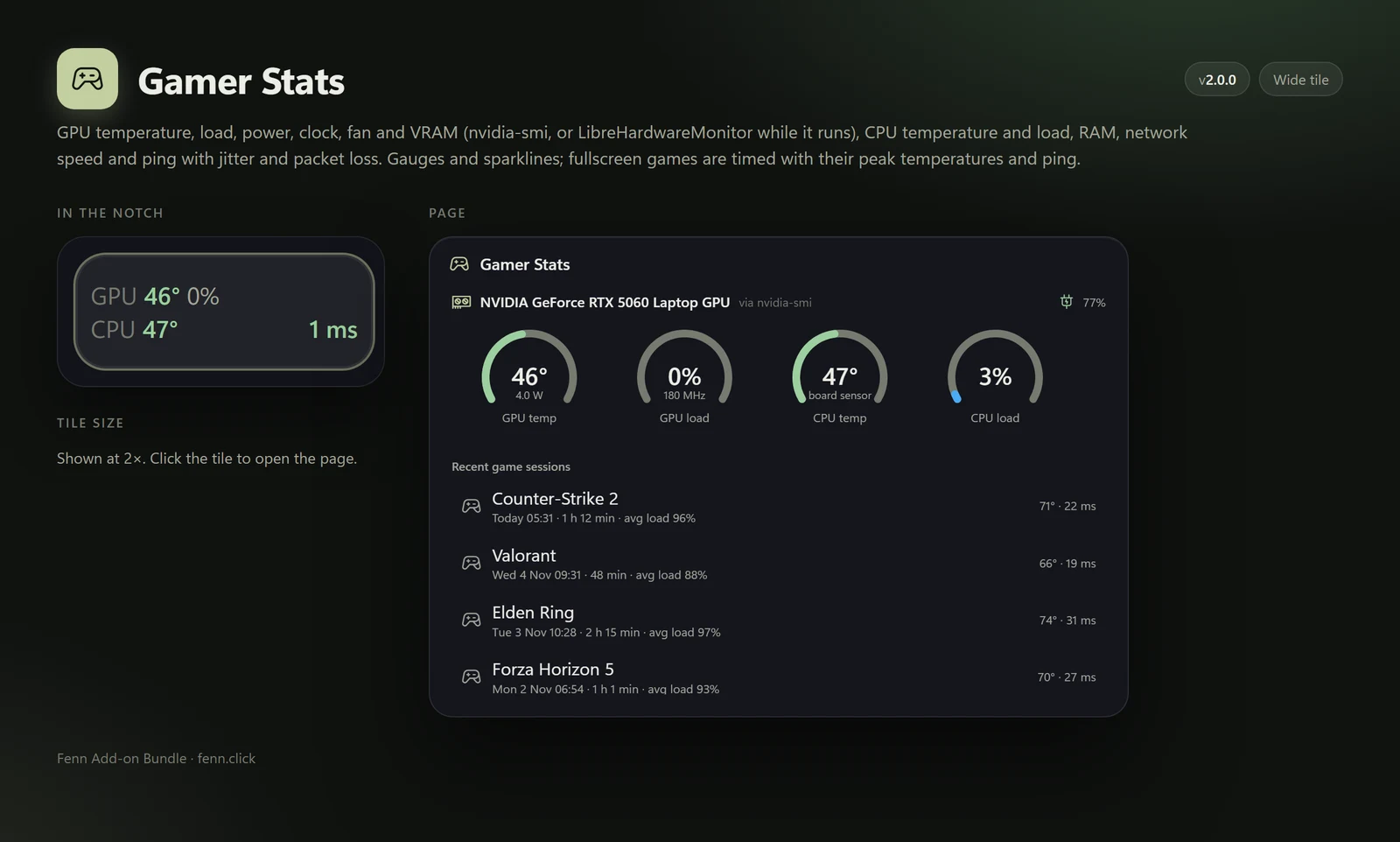
Gamer Stats
Your rig, live
GPU and CPU temperature and load, VRAM, RAM, network and ping, plus timed game sessions with their peaks.
Everything below runs in your notch, one click or one hotkey away. Every bundle sold goes straight into Fenn’s development.
Each image shows the add-on’s tile in the notch and the page it opens. AI replies come from a local Ollama model. Game sessions, battery devices and recordings use sample data.
GPU and CPU temperature and load, VRAM, RAM, network and ping, plus timed game sessions with their peaks.
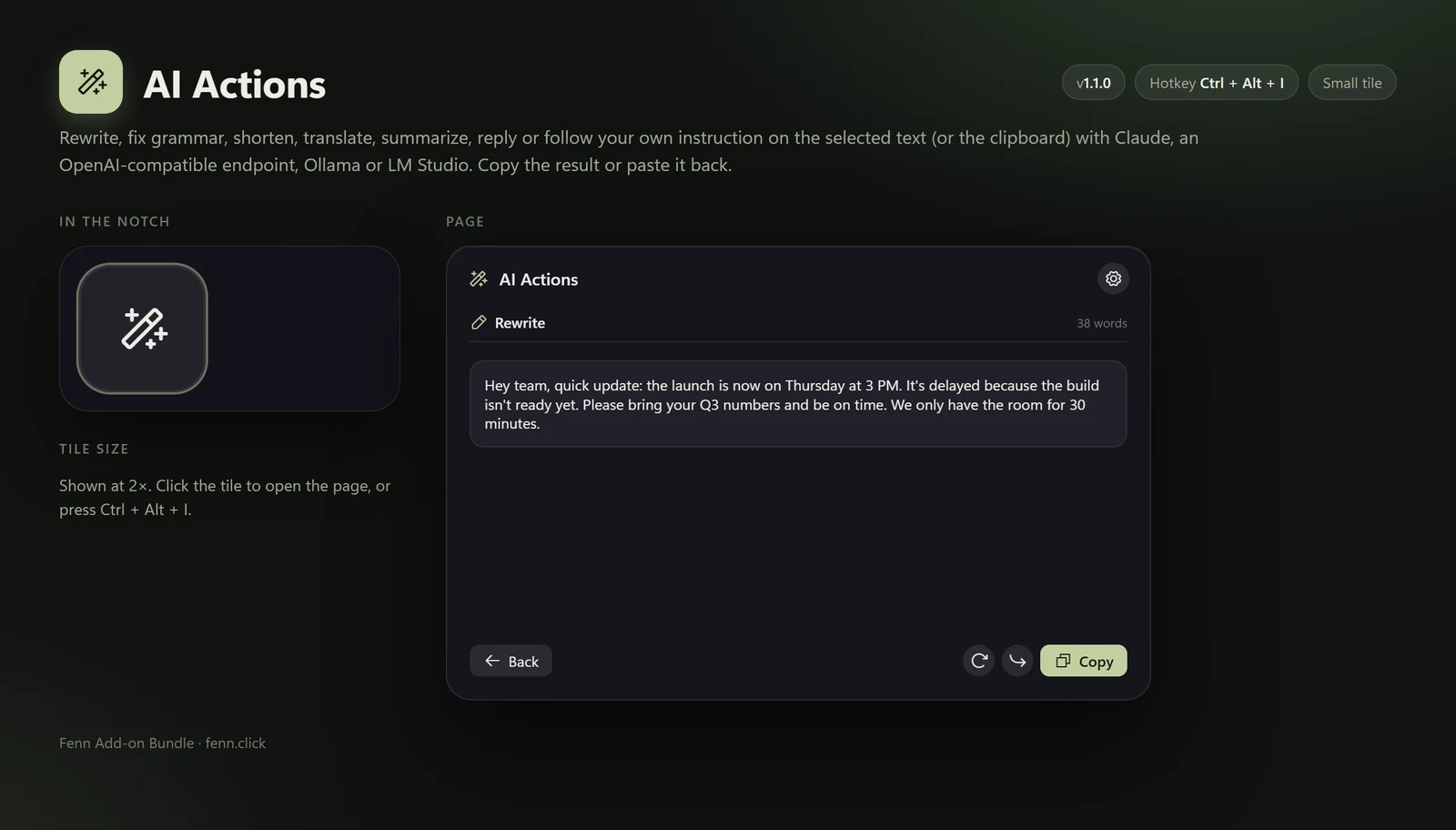
Rewrite, fix grammar, shorten, translate, summarize or reply to selected text. Works with Claude, OpenAI-compatible endpoints, Ollama or LM Studio.
Ctrl+Alt+I opens it
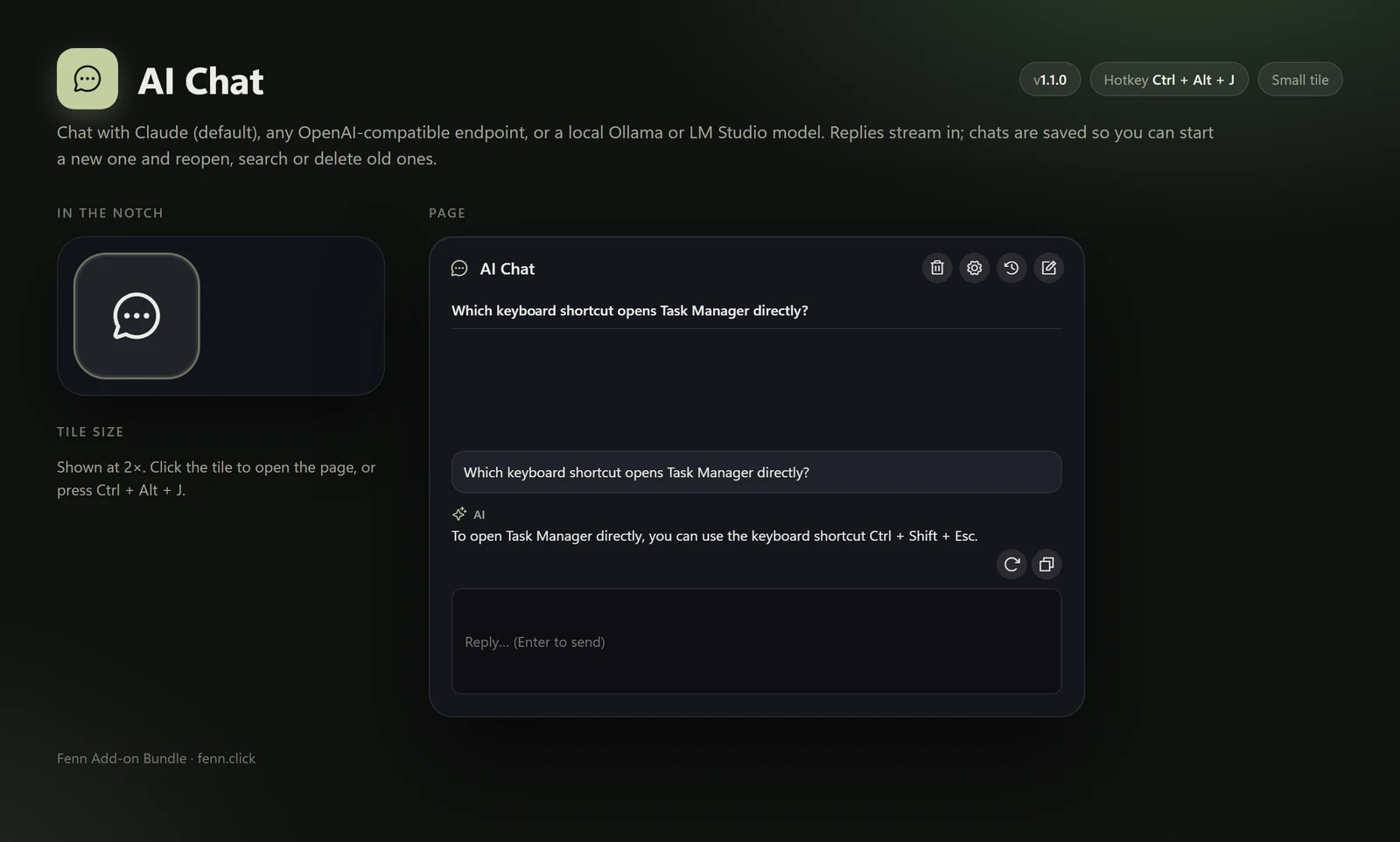
Streaming chat in the notch with saved, searchable conversations. Runs on a local model too.
Ctrl+Alt+J opens it
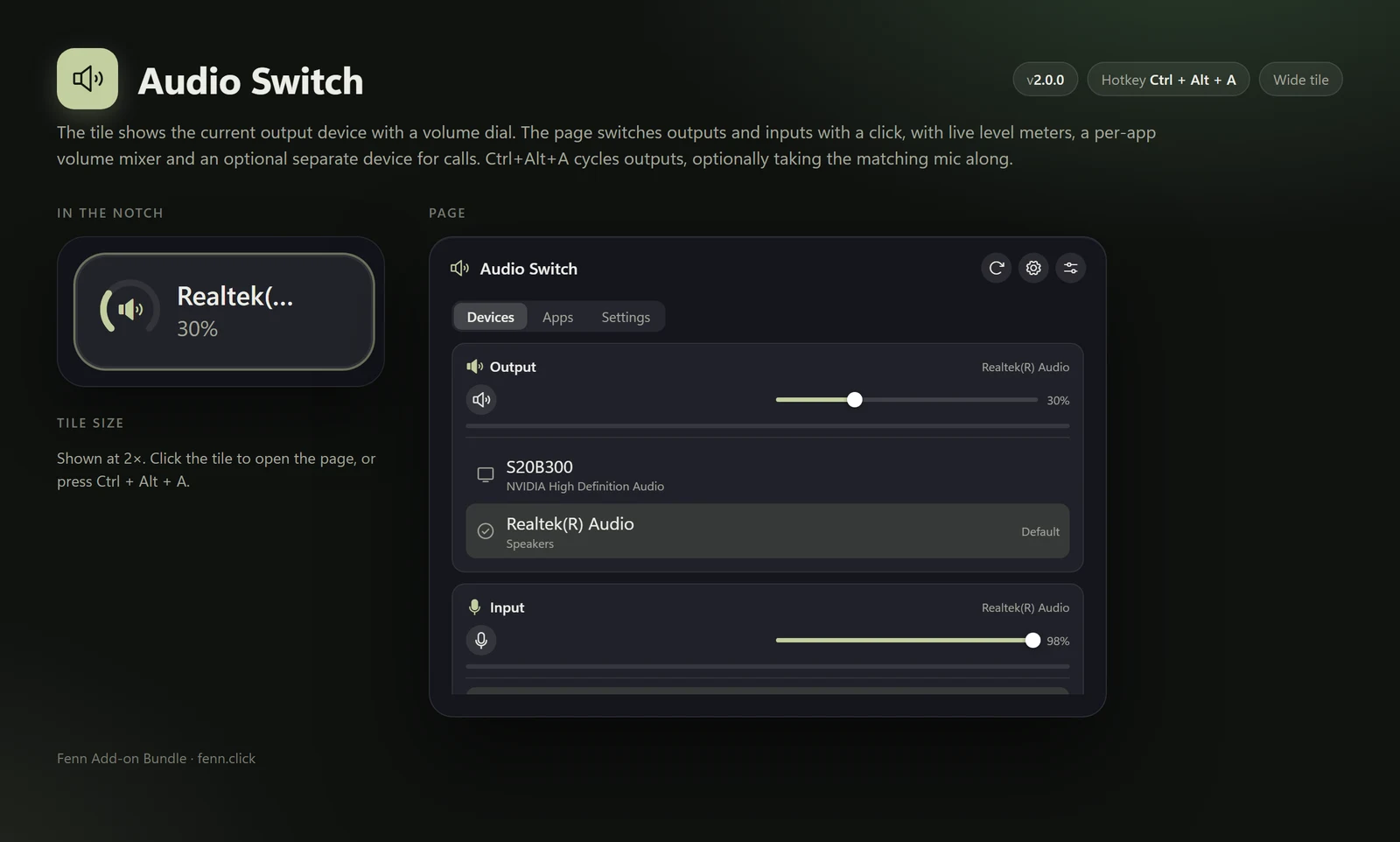
Output and volume on the tile. Switch outputs and inputs, mix per app and keep a separate device for calls.
Ctrl+Alt+A opens it
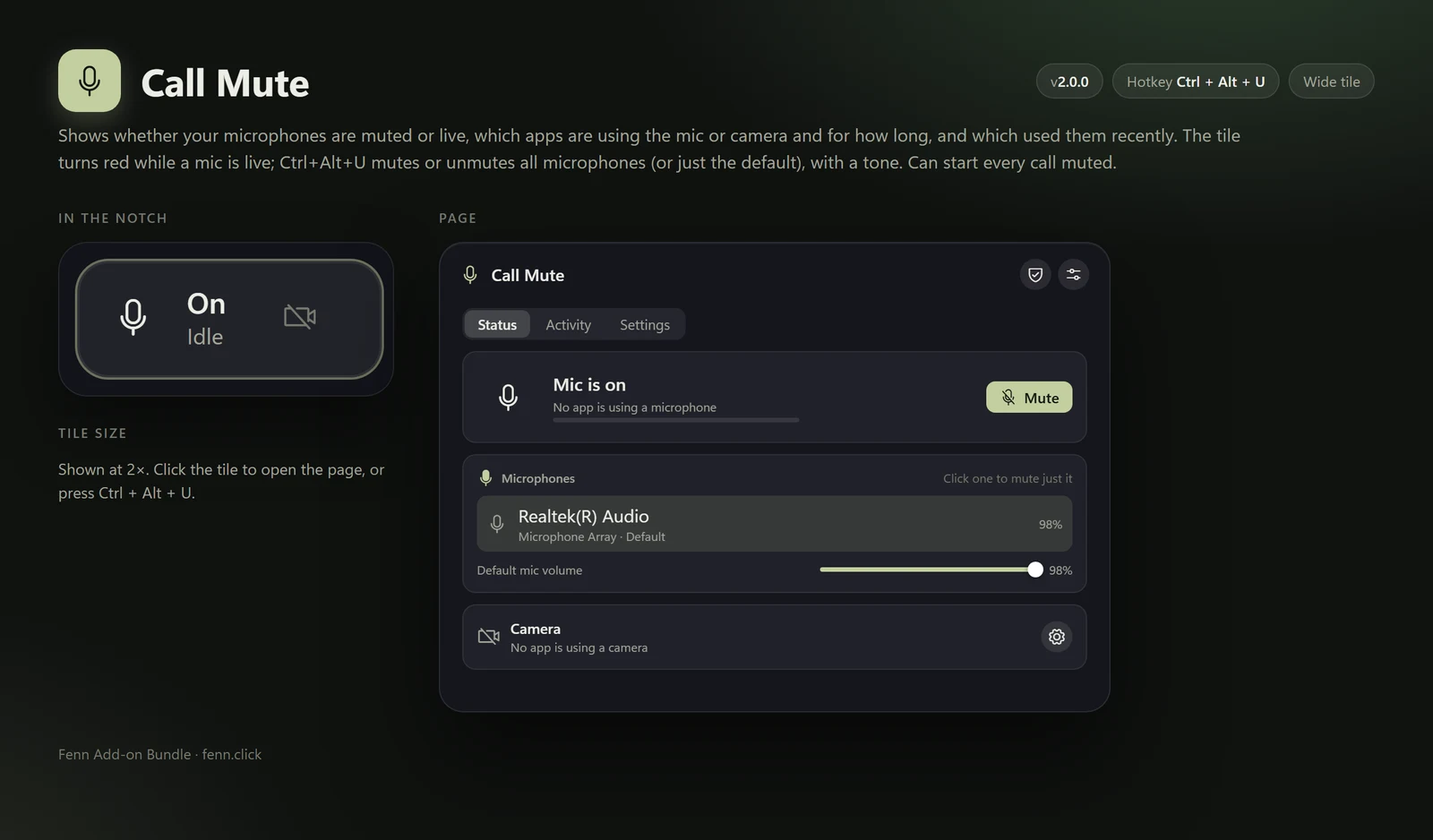
Mic and camera state, which apps are using them, and a global mute with a tone.
Ctrl+Alt+U opens it
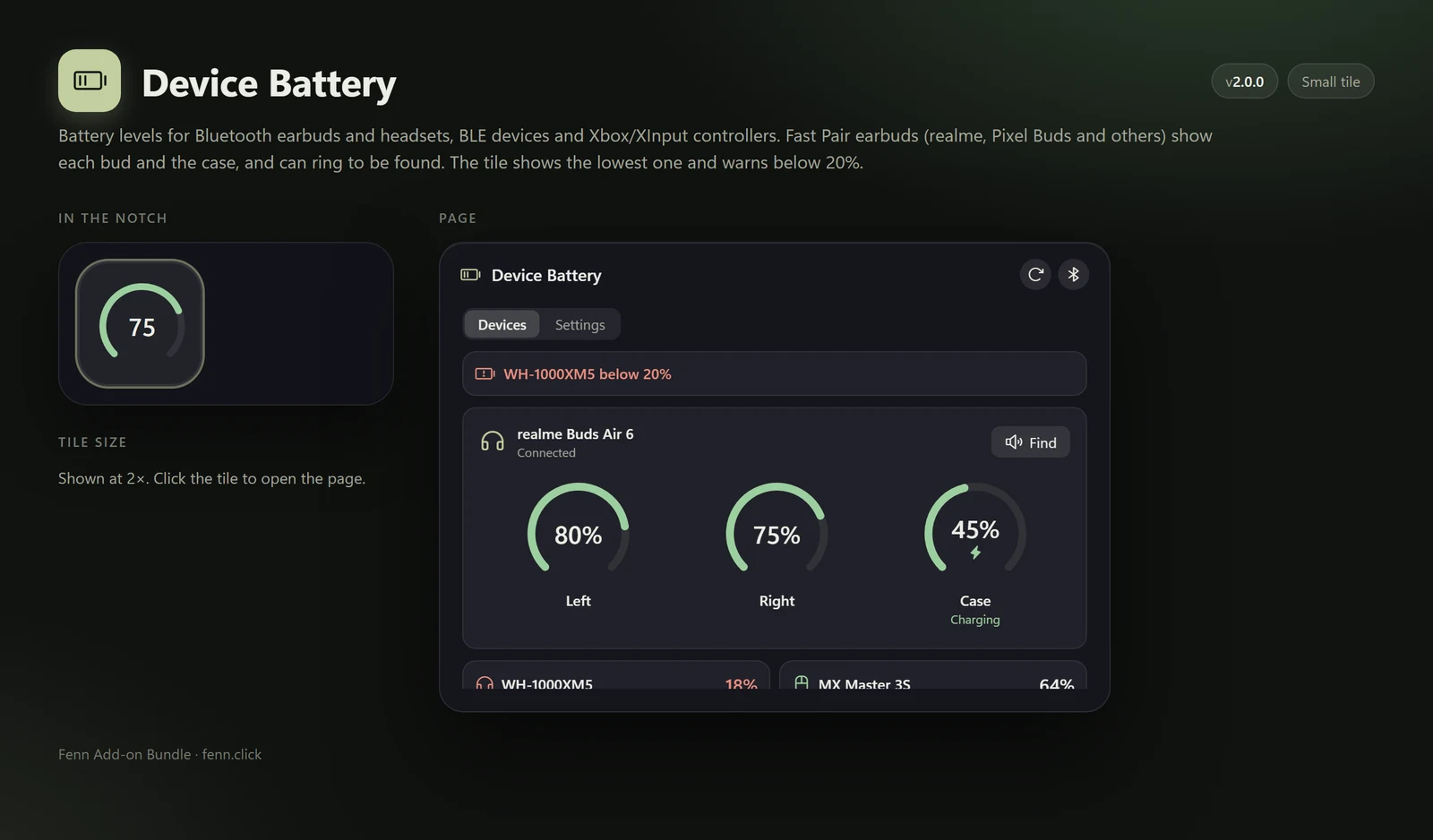
Bluetooth earbuds and headsets, BLE devices and Xbox controllers, including Fast Pair buds and their case.
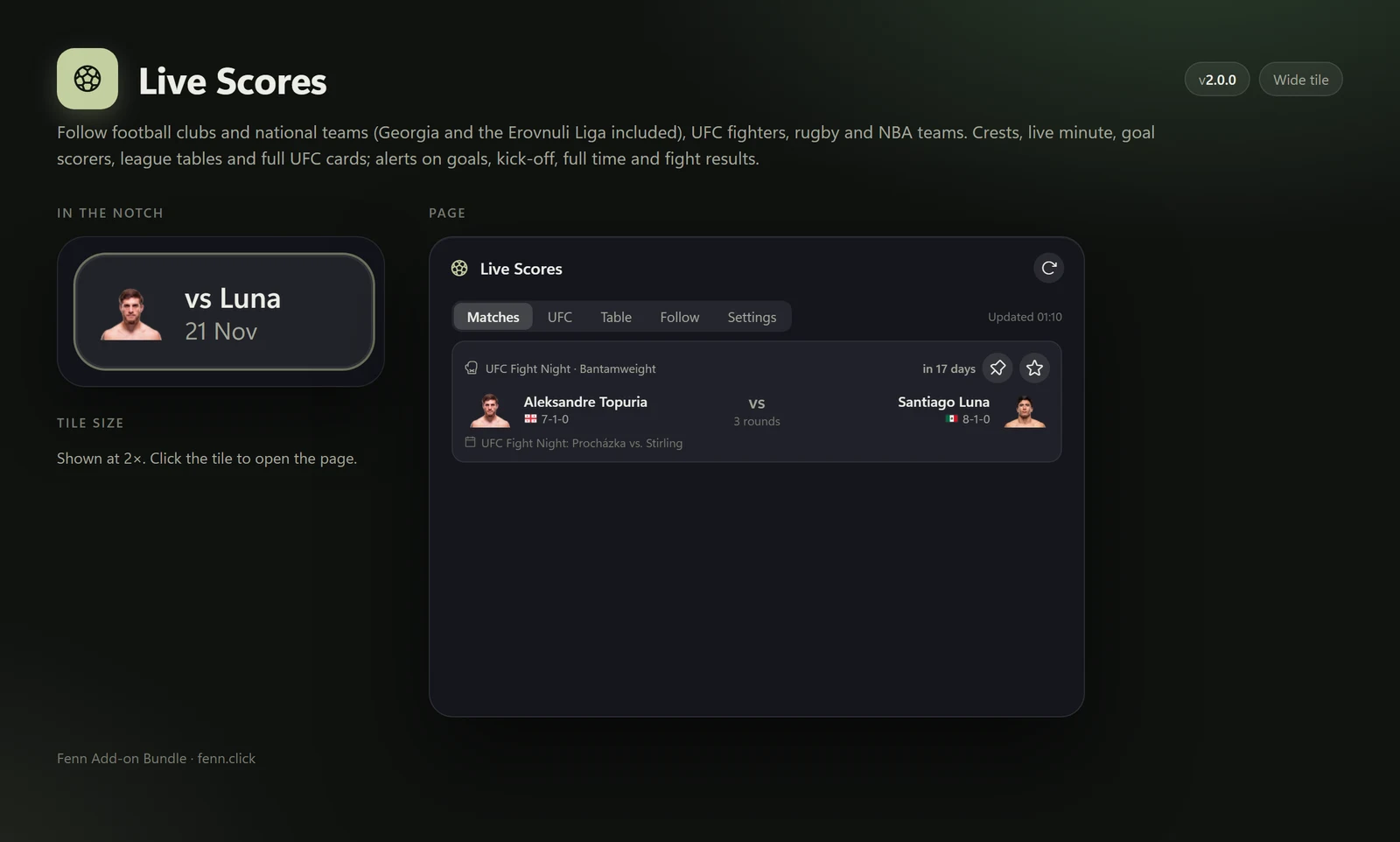
Football, UFC, rugby and NBA with crests, tables and goal alerts.
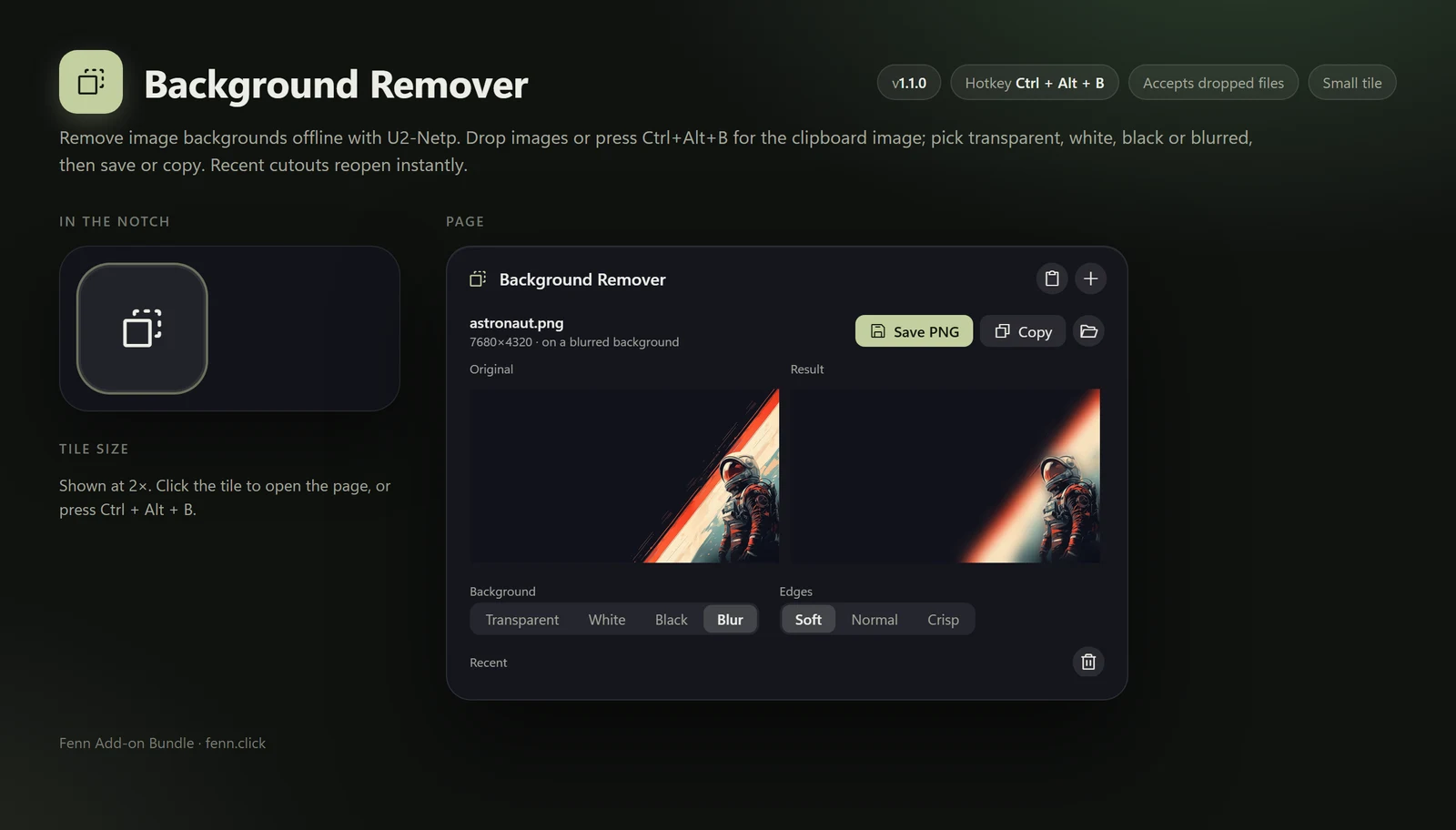
On-device background removal. Transparent, white, black or blurred. Drop an image on it.
Ctrl+Alt+B opens it
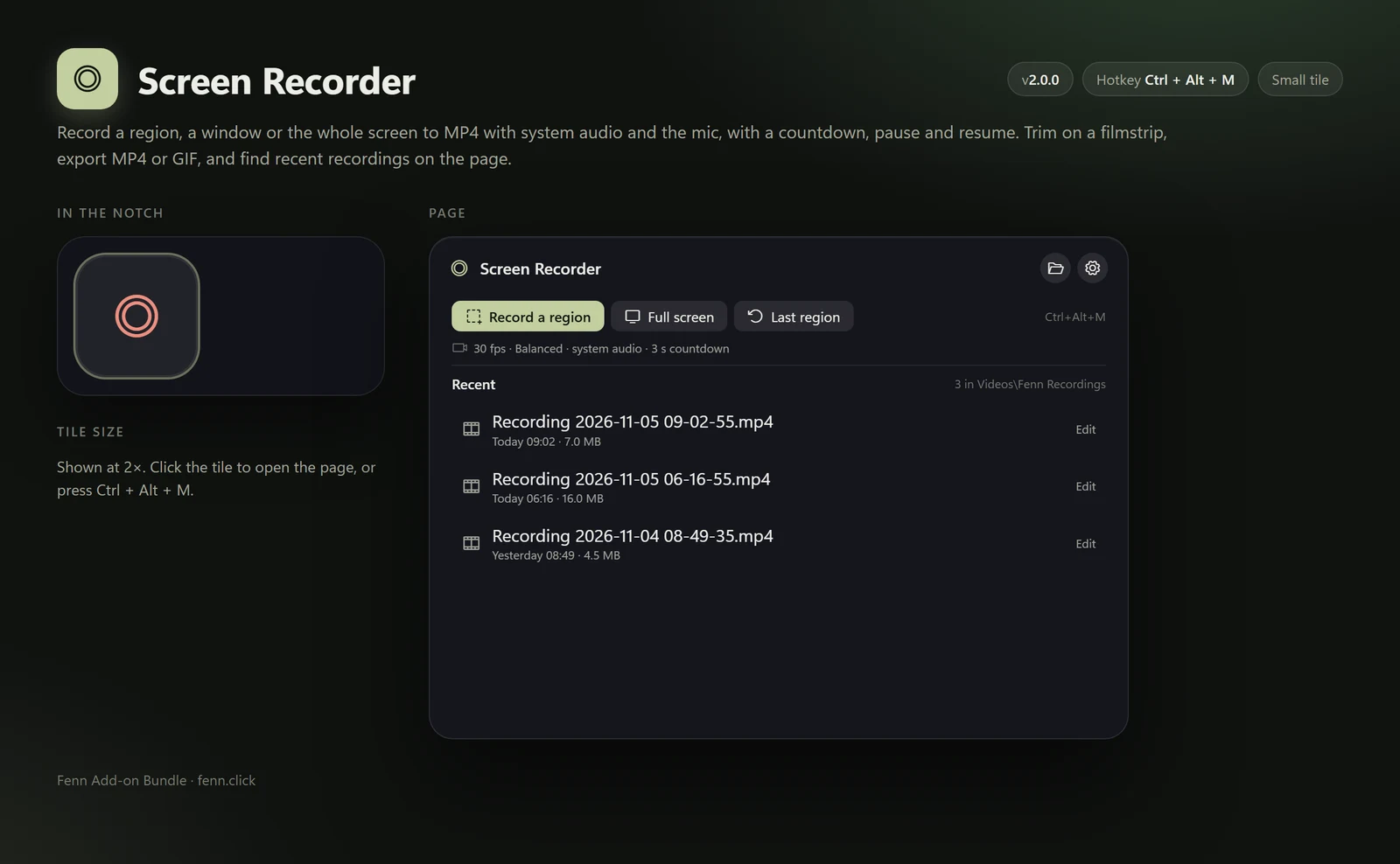
Record a region, window or the whole screen to MP4 with audio, then trim and export MP4 or GIF.
Ctrl+Alt+M opens it
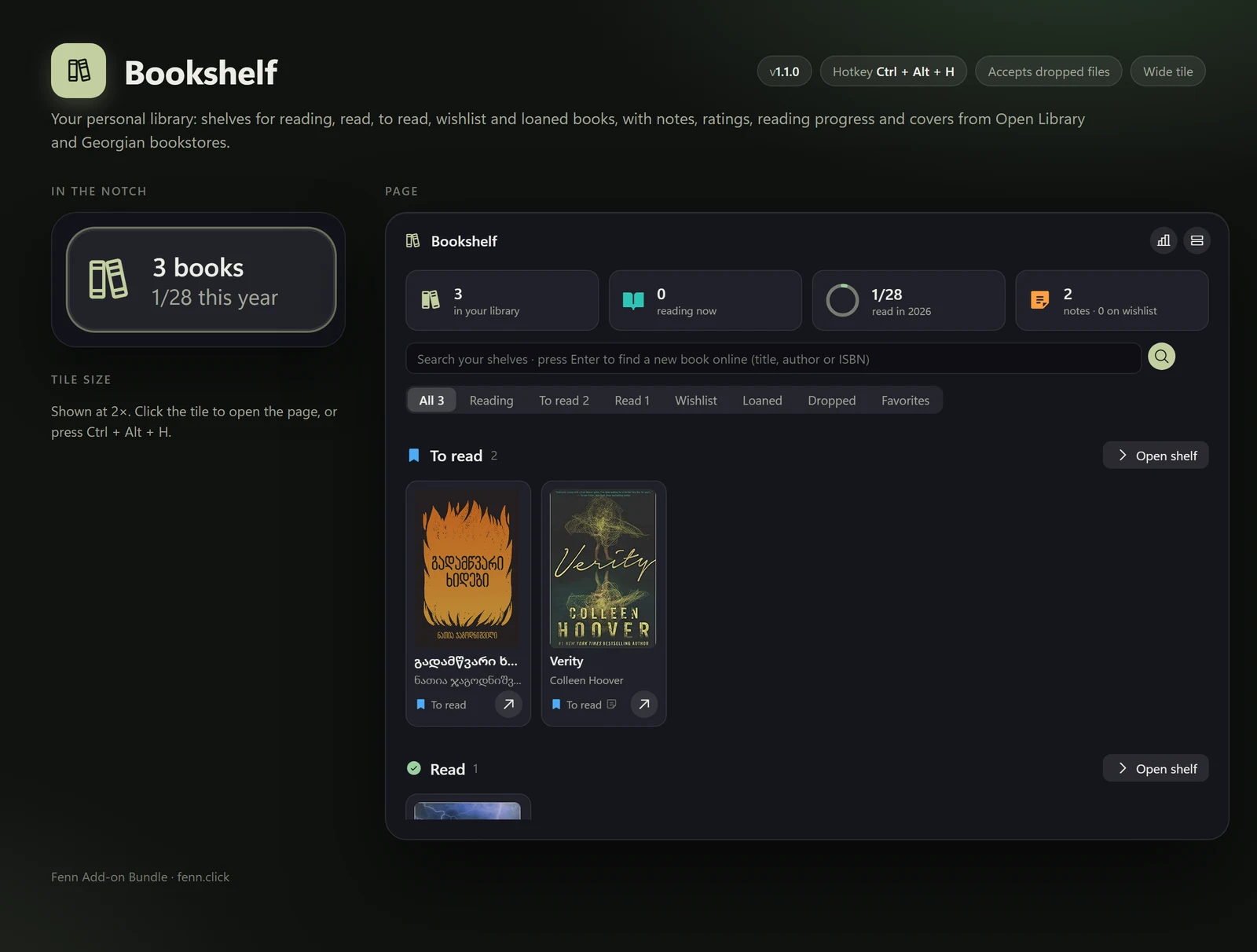
Shelves, notes, ratings and reading progress, with covers found for you.
Ctrl+Alt+H opens it
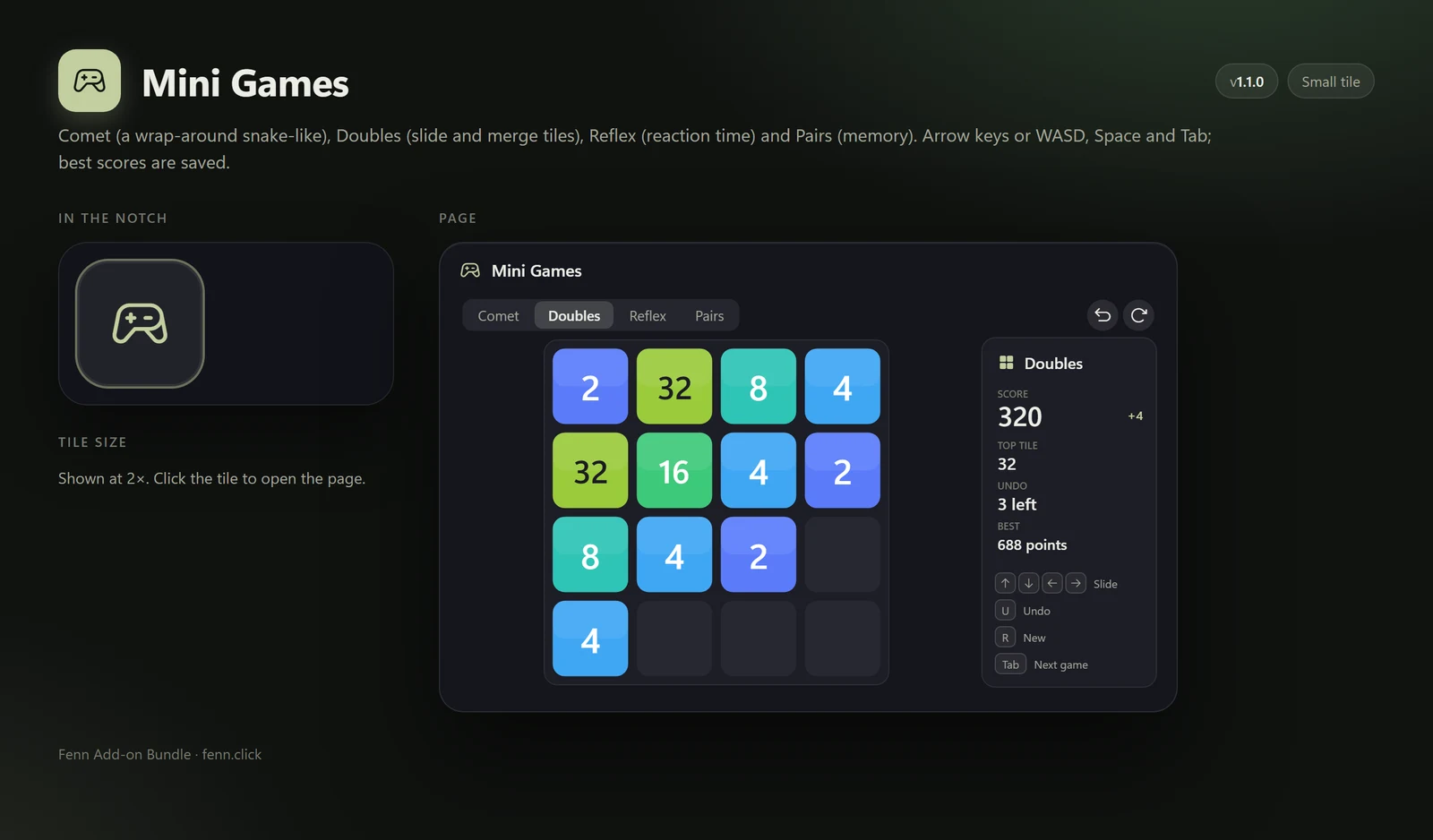
Comet, Doubles, Reflex and Pairs, with your best scores saved.